Email Delivery Problems
Emails going to spam, bouncing, or not arriving? Here’s how to diagnose and fix it.
Email delivery issues are frustrating because the email either disappears or lands in spam, and the sender gets no feedback. Here’s how to track down the problem.
Emails Going to Spam
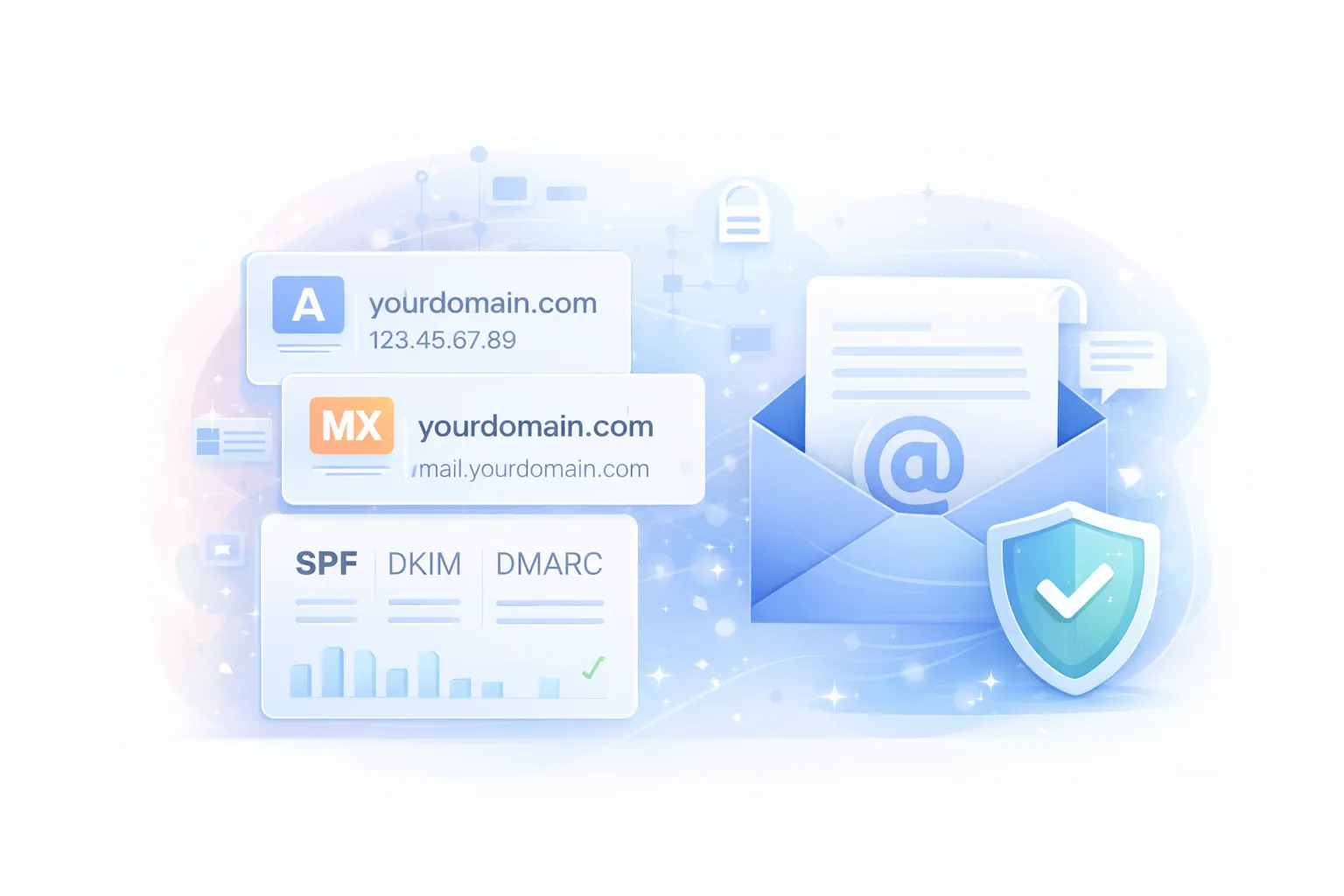
This is the most common issue. The fix is almost always DNS authentication records.
Check Your Authentication Records
Run a check at mail-tester.com. Send a test email to the address shown and you’ll get a score out of 10.
If your score is below 7, you’re likely missing one of these:
| Record | What It Does | How to Check |
|---|---|---|
| SPF | Tells recipients which servers can send email for your domain | dig yourdomain.com TXT +short (look for v=spf1) |
| DKIM | Adds a digital signature to prove the email wasn’t modified | Check cPanel → Email → Email Deliverability |
| DMARC | Tells recipients what to do with emails that fail SPF/DKIM | dig _dmarc.yourdomain.com TXT +short |
Fix Missing Records
SPF: Add a TXT record at your domain root:
v=spf1 +a +mx +include:_spf.gozenhost.com ~all
DKIM: Enable in cPanel:
- Go to Email → Email Deliverability
- Find your domain
- Click Manage or Repair if issues are shown
- cPanel generates the DKIM record automatically
DMARC: Add a TXT record for _dmarc.yourdomain.com:
v=DMARC1; p=none; rua=mailto:you@yourdomain.com
Start with p=none (monitoring mode). Once you’ve confirmed legitimate emails pass, switch to p=quarantine or p=reject for full protection.
Check Your IP Reputation
If your server’s IP is on a blacklist, all emails from it go to spam:
If your IP is listed, contact support. We can help get it delisted or move you to a clean IP.
Emails Not Arriving at All
Sender Gets a Bounce Message
Bounce messages tell you exactly what’s wrong. Common ones:
| Bounce Message | What It Means | Fix |
|---|---|---|
| “550 No such user” | Recipient address doesn’t exist | Check the email address for typos |
| “550 Sender rejected” | Your domain is blacklisted by the recipient | Check blacklists (see above) |
| “452 Too many recipients” | Rate limiting | Reduce email volume or switch to a transactional email service |
| “421 Connection refused” | Recipient mail server is blocking your IP | Check blacklists. Contact recipient’s postmaster |
| “554 Message rejected” | Content flagged as spam | Review email content and avoid spam trigger words |
Sender Gets No Bounce (Email Disappears)
- Check the spam folder on the recipient’s side
- Check the mail queue: cPanel → Email → Track Delivery
- Check the mail log:
  # On VPS
sudo tail -100 /var/log/mail.log | grep "yourdomain.com"
Emails Not Sending from Your Site
If your website’s contact form or application emails aren’t sending:
- Check PHP mail function: many shared hosting plans use
mail(). Verify it works:
  <?php
mail('you@gmail.com', 'Test', 'This is a test');
echo 'Sent';
?>
- Use SMTP instead: PHP’s
mail()function often triggers spam filters. Use an SMTP plugin or library:
Verifying Your Setup
After making changes, verify everything works:
- mail-tester.com: send a test email and get a deliverability score
- GoZen DNS Inspector: validates SPF, DKIM, and DMARC records automatically
- GoZen Blacklist Check: check if your server IP is on any blacklists
- cPanel → Email Deliverability: shows a status dashboard for SPF, DKIM, and rDNS
What to Do Next
- Setting Up Email Accounts in cPanel: configure new email addresses
- Managing DNS Records: add or update SPF, DKIM, and DMARC records
Last updated 05 Apr 2026, 00:00 +0200.