Enabling Two-Factor Authentication
Add 2FA to your GoZen Host client area and cPanel - the single best thing you can do for account security.
Passwords get stolen. Phishing, data breaches, someone looking over your shoulder - it happens. Two-Factor Authentication (2FA) means that even if someone has your password, they still can’t log in without your phone.
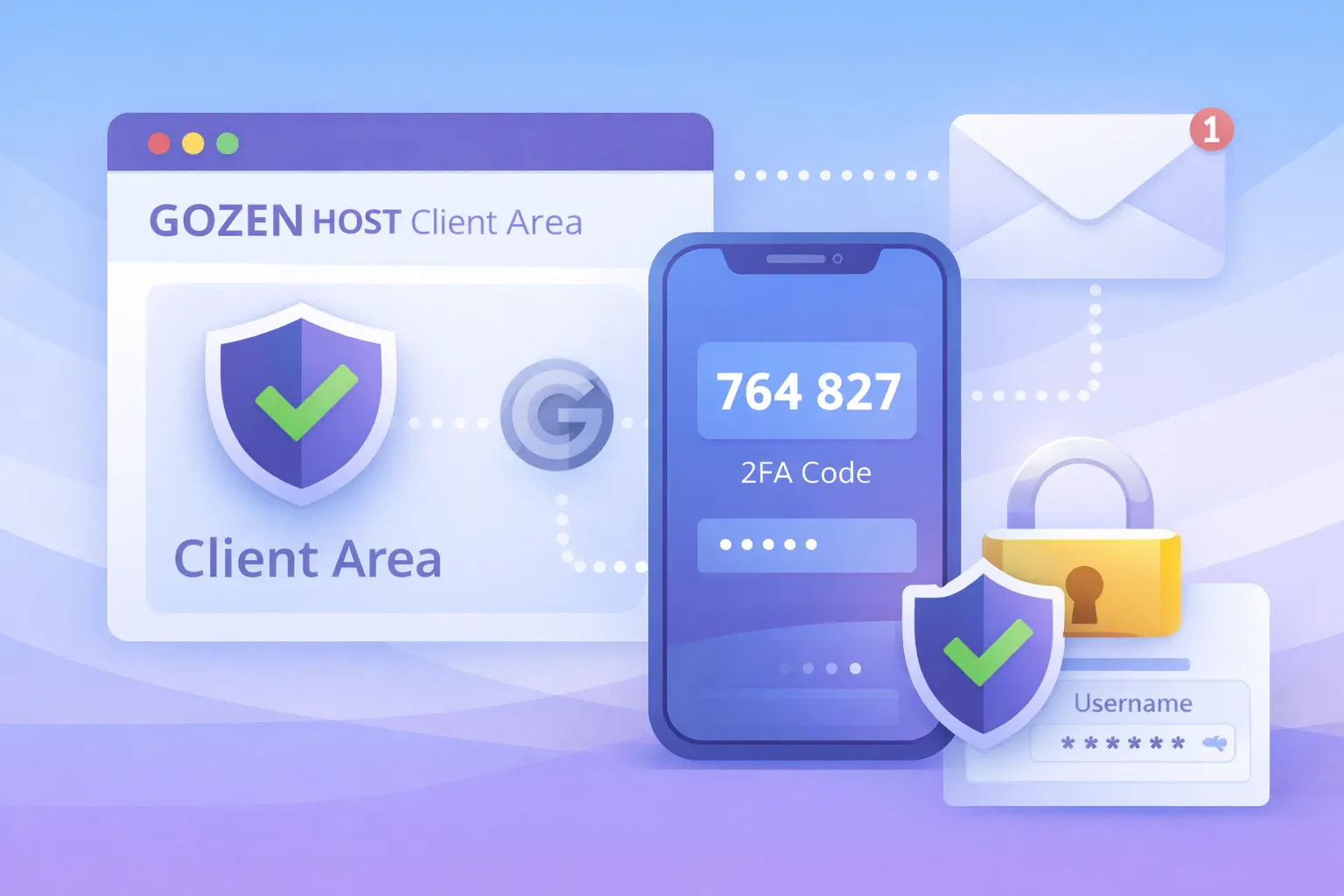
Client Area (cp.gozenhost.com)
- Log into the client area
- Click your name (top right) → Security Settings
- Under Two-Factor Authentication, click Enable
- Open your authenticator app:
- Google Authenticator (Android/iOS)
- Authy (multi-device sync)
- 1Password or Bitwarden (built-in TOTP)
- Scan the QR code
- Enter the 6-digit code to confirm
- Save your backup code somewhere safe
Save the backup code. If you lose your phone and don’t have the backup code, you’ll need to contact support with ID verification to regain access. This takes time.
cPanel
- Log into cPanel
- Go to Security → Two-Factor Authentication
- Scan the QR code with your authenticator app
- Enter the 6-digit code
- Click Configure Two-Factor Authentication
From now on, cPanel will ask for a code after your password on every login.
SSH (VPS / Cloud)
For VPS servers, you can add 2FA to SSH logins using Google Authenticator PAM:
Run the setup:
google-authenticator
Answer the prompts:
| Prompt | Recommended Answer |
|---|---|
| Time-based tokens? | y |
| Update .google_authenticator file? | y |
| Disallow multiple uses? | y |
| Increase time window? | n |
| Rate limiting? | y |
Scan the QR code with your authenticator app and save the emergency scratch codes.
Configure PAM
sudo nano /etc/pam.d/sshd
Add this line at the top:
auth required pam_google_authenticator.so
Configure SSHD
sudo nano /etc/ssh/sshd_config
Set:
ChallengeResponseAuthentication yes
If you use SSH keys and want 2FA:
AuthenticationMethods publickey,keyboard-interactive
Restart SSH:
sudo systemctl restart sshd
Test in a new terminal before closing your current session. If the config is wrong, you’ll lock yourself out.
Which Authenticator App?
| App | Multi-Device | Cloud Backup | Free |
|---|---|---|---|
| Google Authenticator | ✗ | ✗ | ✓ |
| Authy | ✓ | ✓ | ✓ |
| 1Password | ✓ | ✓ | Paid |
| Bitwarden | ✓ | ✓ | ✓ (Premium for TOTP) |
What to Do Next
- First Boot: Initial Server Setup - secure your VPS alongside 2FA
- Connecting to Your Server via SSH - SSH key setup works alongside 2FA
Last updated 05 Apr 2026, 00:00 +0200.