Email
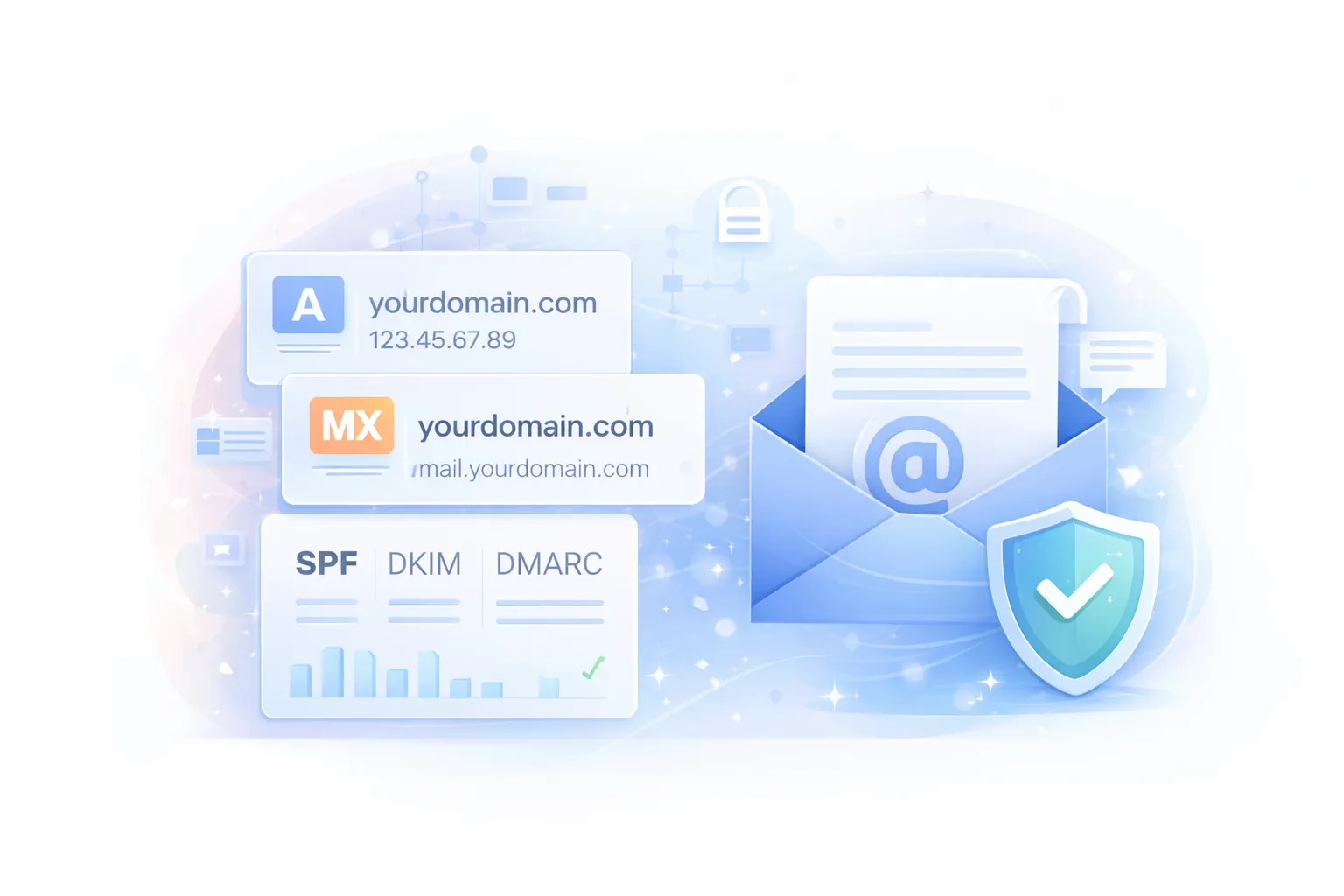
Email is simple until it isn’t. Most “email problems” are really DNS problems or authentication problems.
This section gets you from zero to a working mailbox and then upgrades you to modern deliverability standards.
Quick actions
-
Getting Started
New to GoZen? Learn how to create accounts, access webmail, and connect your phone. Setup Guide
-
Client Configuration
Configure Outlook safely and avoid the common IMAP/SMTP pitfalls. Outlook Setup
Add your mailbox to Gmail correctly (send and receive). Gmail Setup
-
Deliverability
Stop emails from landing in Spam. Configure SPF, DKIM, and DMARC records effortlessly. Fix Delivery
-
Migrations
Moving from another host or Google Workspace? Follow our zero-downtime migration paths. Start Migration
Email Services & Support
Find everything you need to set up, secure, and troubleshoot your business email.
Standard Mail Settings
- Incoming (IMAP): mail.yourdomain.com (993)
- Outgoing (SMTP): mail.yourdomain.com (465)
- Username: Your full email address
What you should know (before you touch anything)
- IMAP: syncs mail between your device and the server (recommended for most users).
- SMTP: sends outgoing mail.
- MX records: decide where incoming email is delivered.
- SPF/DKIM/DMARC: prove to the world that your domain is allowed to send email and reduce spam placement.
If you run a business, treat SPF/DKIM/DMARC as mandatory. It’s not “nice to have” anymore.
Common issues and the real cause
- You can receive but not send
- Usually wrong SMTP settings, port, or authentication.
- You can send but not receive
- Usually MX records are missing or pointing elsewhere.
- Email lands in spam
- Usually missing or incorrect SPF/DKIM/DMARC.
- Email stopped after changing nameservers
- Usually you switched DNS providers and lost your email DNS records.
Avoid the #1 mistake
When changing nameservers, always copy your existing DNS records first. Nameserver changes replace the entire DNS zone at the new provider.
Recommended setup order
- Email setup
- Test send and receive
- Then implement deliverability: - SPF, DKIM, DMARC
- Configure your client: - Gmail setup or Outlook setup
Need help?
If you tell us your domain and what app you want to use (Gmail/Outlook/mobile), GOZEN HOST can validate your DNS records and confirm the correct IMAP/SMTP settings.